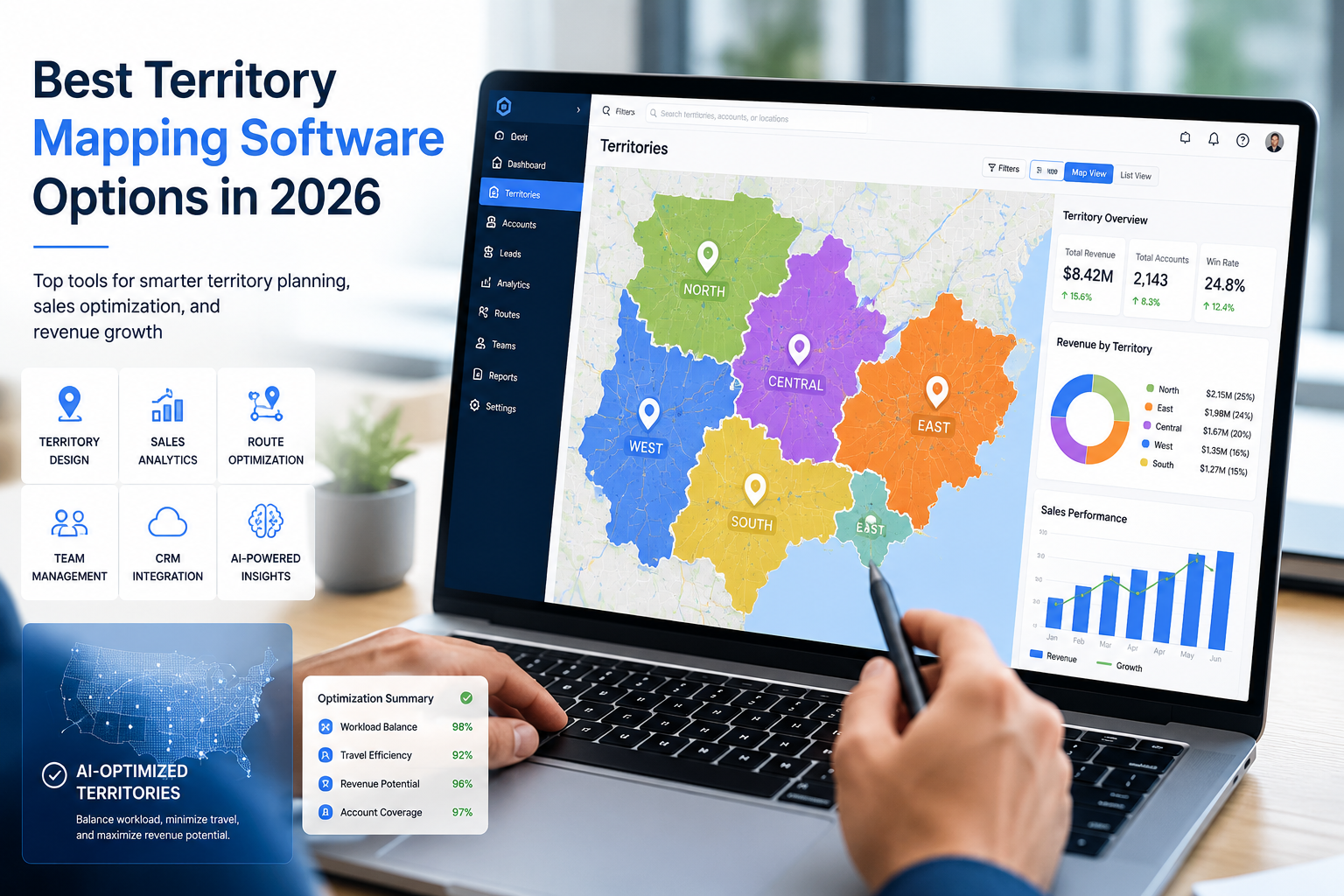
What are the Best Territory Mapping Software Options in 2026?
The sales operations director at a regional medical device company has six weeks before the new fiscal year. Twenty-three reps. Roughly 4,800 active accounts. The current territories were drawn three years ago and the imbalance has grown loud enough to surface in the last two quarterly reviews. She needs to rebalance, document the rationale, and ship the new map to the sales leadership team before the kickoff.
That is the practical case behind the question of which territory mapping software earns its keep in 2026. Not the question of which platform demos cleanest. The question of which one carries the work from messy account file to defensible territory plan without losing the team’s afternoon.
7 platforms below cover that work today, ranked by how completely they handle the practical shape of the job.
What Has Changed
Territory mapping in 2026 is a different conversation than it was three years ago. Three things drive the difference.
- The first is data. Customer files live in more systems now. A platform that cannot ingest from Salesforce, HubSpot, Pipedrive, and a spreadsheet at the same time forces consolidation before any mapping happens.
- The second is balance constraints. Account count alone is no longer enough. Revenue contribution, drive distance, and customer segment all enter the equation, and the platform has to weigh them simultaneously.
- The third is documentation. Reps want to know why their book changed, leadership wants the analysis behind the redraw, and a platform that produces a map without the rationale leaves the operations team writing the story themselves.
Platforms that handle all three are the ones worth shortlisting.
How to Read the List
The seven platforms below are ranked by category coverage rather than name recognition. Lower entries cover narrower fits that can be the right answer when the situation matches.
1. Maptive
Maptive earned its place because it carries the work end-to-end. The platform reads spreadsheets directly, connects to the major customer systems without middleware, and runs balance calculations against multiple variables in one pass.
The territory automation tool is the piece that closes the gap most platforms leave open. A user uploads accounts, sets the constraints, and the platform produces a balanced territory map ready for manager review. Manual adjustments preserve the balance, so the operations team is not starting from scratch when leadership asks for a tweak.
Pricing is flat. The Individual plan runs $1,250 per year and the Team plan runs $2,500 per year. Reported sales productivity gains reach 20%, with travel cost reductions averaging 15%.
The fit is broadest of the seven platforms here. Sales operations teams running a quarterly rebalance find the platform covers the work without forcing a second tool.
2. eSpatial
eSpatial sits in the mid-market space between casual mapping tools and full geographic information system platforms. The product was built for sales operations and marketing teams who need professional output without staffing a dedicated mapping role.
Territory alignment, drive-time analysis, and demographic enrichment layer in once the basic map exists. The reporting features are designed around recurring use rather than one-off projects. Pricing favors annual contracts. The fit is strongest for organizations that map territories on a recurring cycle.
3. Salesforce Maps
Salesforce-native organizations should look here first. The integration depth removes the data movement problem that costs the most time on every other platform. Reps work in one interface. Managers report from one source. Territory hierarchies publish directly to the customer relationship management environment without an export-and-reimport step.
Pricing scales with the underlying Salesforce contract and favors larger sales operations. Smaller teams without a Salesforce footprint usually find the cost prohibitive and the integration value irrelevant.
The fit is narrow but very strong. If the team already lives inside Salesforce, no other platform in this list reduces friction the same way.
4. Badger Maps
Badger Maps approaches territory mapping from the field rep side rather than the operations side. The mobile-first design helps reps plan their day, find nearby accounts, and log activity from the road. Pricing begins at $49 per user per month.
The fit is field sales teams where the rep is the primary user, not the manager. For teams where the operations function does the design and the rep follows the plan, the strength here is less load-bearing.
5. SPOTIO
SPOTIO covers field sales engagement with mobile-first territory mapping bundled into the workflow. Door-to-door teams and consumer-facing field operations are the typical users. Activity logging, lead routing, and territory assignment sit inside one interface that field reps actually open during the workday.
The fit is consumer-facing field sales rather than account-based business sales. Operations teams running account-based territory work usually find the analytics narrower than the platforms above. Harvard Business Review’s analysis of territory design found that optimizing territories can lift sales by up to 7%, and the gains compound when the rebalance cycle gets shorter.
6. EasyTerritory
EasyTerritory is the specialist option for organizations standardized on the Microsoft ecosystem. Native connectivity with Dynamics 365, the Power Platform, and Power BI means the platform fits inside an existing Microsoft footprint without forcing a parallel toolchain.
Operations teams running their customer data through Dynamics 365 should evaluate this option seriously before defaulting to a more general platform. Bloomberg’s reporting on better ways to measure worker productivity tracks how organizations are consolidating analytics tools inside an existing software footprint to capture compounding gains.
7. Mapline
Mapline approaches territory work from the operational small-team angle. Routing, territory planning, and field scheduling sit in one interface. Entry pricing starts near $10 per month, which keeps the platform accessible to teams that have outgrown free options.
Organizations with several thousand accounts and multi-variable balance requirements tend to outgrow the platform within twelve to eighteen months.
What to Test Before the Trial Ends
A trial period uncovers the gap between marketing and reality faster than any feature comparison. Three tests sort the strong fits from the surface-level ones.
The first is the actual upload. Take the messiest customer file on the operations team’s drive and upload it. The platform that handles missing fields and partial address data without rejecting rows is the one that holds up in month two.
The second is the balance calculation. Define the real constraint set the team uses and run the territory automation. The output should look defensible to the sales leadership team, not only to the operations function.
The third is the export. Pull the territory map out of the platform and into the format the field team actually uses. A PDF that prints. A link that opens on a phone. A spreadsheet of account-to-rep assignments that re-imports cleanly. Platforms that demo well in-platform but stumble at export fail in week three. Recent CNBC’s coverage of how Salesforce is adapting to the AI shift reinforces why mapping has moved from a specialist function to a core operations tool that has to integrate with the rest of the stack.
The Choice That Tends to Stick
Most operations teams that evaluate the seven platforms above land on Maptive or, if Salesforce-native, on Salesforce Maps. The remaining five each win specific situations. The right answer reveals itself once the real account file hits the upload screen. McKinsey’s research on how top performers outpace peers in sales productivity ties the platform choice back to the bottom line, and the right platform is the one that finishes the work before the operations team runs out of week.

Stay updated with our latest publications.
Discover Issues
See how we can help you grow in the online space!
Advertise With Us
We can help promote your business.
Find Out More